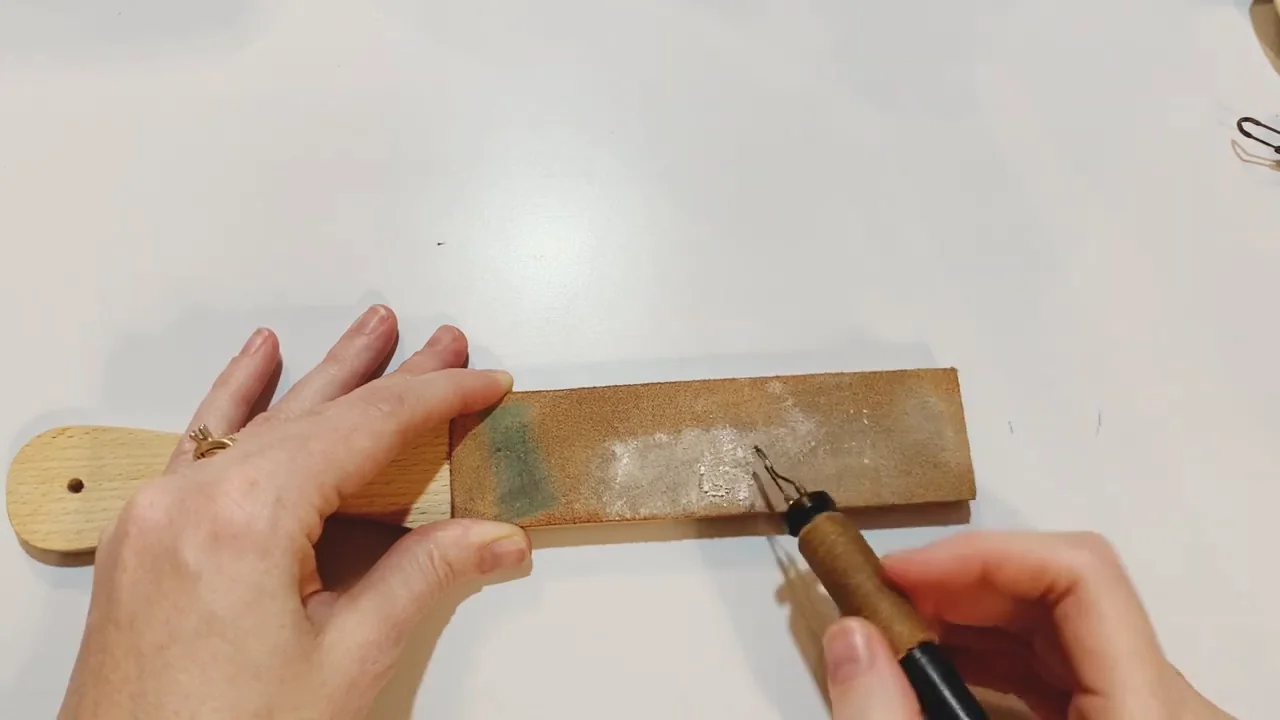
If your pen starts dragging or leaving patchy marks, inspect the tip before turning up the heat. Carbon can collect on the working surface, but a dark-colored tip is not automatically dirty. The aim is to remove raised residue while keeping the original shape.
Start with your burner’s instructions. A cleaning method that suits one make can damage another. For hands-on cleaning, inspection or a tip change, switch off, unplug and let the metal cool completely in its proper holder.
Check whether the tip needs cleaning
Look for rough deposits on the part that touches the wood. A tip that catches, drags or transfers loose residue deserves attention. Smooth heat discoloration alone is not a reason to grind or polish the metal back to a bright finish.
Try a short line on prepared scrap from the same wood. If the line is too wide, check the heat and your pace as well as the tip. Colwood notes that excessive heat can widen lines and uneven grain can make a burn inconsistent.
Match the method to your burner
These manufacturer examples explain why there is no single cleaning rule for every pyrography pen:
- Colwood: recommends its cleaning cloth for carbon buildup and permits gentle use of its honing paper. Do not substitute a coarse workshop abrasive.
- Razertip: recommends its purpose-made scraper for most sharp tips and a dense brass brush for shapes that are difficult to scrape, such as ball and scale tips. It advises against abrasives.
- TRUArt 60W kit: its manual describes cold stropping and a fine cleaning-pad method. It also specifies the supplied damp sponge for cleaning during use. Those instructions apply to that equipment, not every wire-nib pen.
Use the instructions for your exact model and nib. Do not copy a soldering-iron cleaning routine just because a product listing says “tip cleaner.”
Cool the pen before handling the metal
- Switch the burner off and unplug it.
- Leave the pen secure in the manufacturer’s holder, with the hot end clear of nearby objects.
- Allow full cooling before touching, removing or closely inspecting a tip. A temperature such as 200°F is not a safe handling target.
- Check the working face, tip connection and holder for visible damage before cleaning.
Some manufacturers provide a specific in-use cleaning method. Razertip’s scraper is one example. That exception does not make a hot tip safe to hold. Never dunk the pen in water or wet an improvised brush to cool it.
Use light strokes when stropping is permitted
The TRUArt 60W manual describes working a cold tip on its side with gentle drawing strokes on a leather strop. Use this method only for equipment that permits it. Razertip owners should follow their scraper or brush instructions instead.
- Set the strop securely on the bench and use only the cleaning material or compound specified for your tool.
- With the tip fully cold, follow its existing shape. Draw it lightly across the surface instead of driving a fine point into the leather.
- Stop after a few light passes to inspect the result. Do not push sideways on a wire nib.
- Remove loose cleaning residue as instructed, then test the pen on scrap before returning to the artwork.
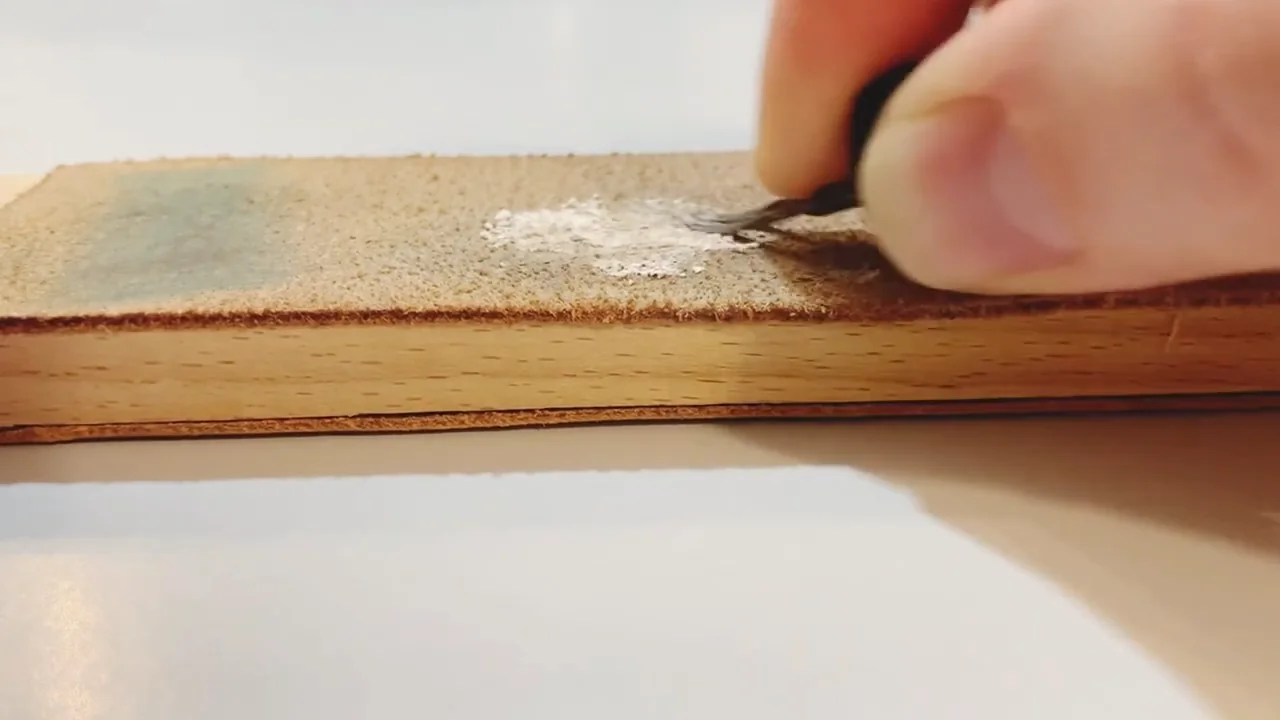
Cleaning should preserve the tip’s profile. It does not need to turn every shader or rounded nib into a sharp edge. Stop if you are changing the shape or need force to remove a deposit.
Avoid shortcuts that wear tips out
- Do not turn the burner to maximum just to burn off carbon. Colwood warns that repeated extreme heat shortens tip life.
- Do not reach for a knife, coarse file or power grinder. A gouged face or bent wire changes the marks the tip makes.
- Do not twist a delicate nib into a generic brass-wire ball. Use a brush or cleaner only as specified for the tip you own.
- Do not chase a mirror finish at every session. Inspect for residue and performance changes rather than cleaning to a fixed number of strokes.
If a tip is badly pitted, bent, cracked or no longer holds its intended shape, stop using it and arrange a compatible replacement or manufacturer service. More polishing will not repair a damaged connection.
Store cooled tips so they cannot knock together
Let every part cool fully before it goes into a case, cap or storage box. Use the storage supplied or recommended for your pen system, with delicate tips protected from impact. Keep detached nibs organized so a heavy accessory cannot bend them.
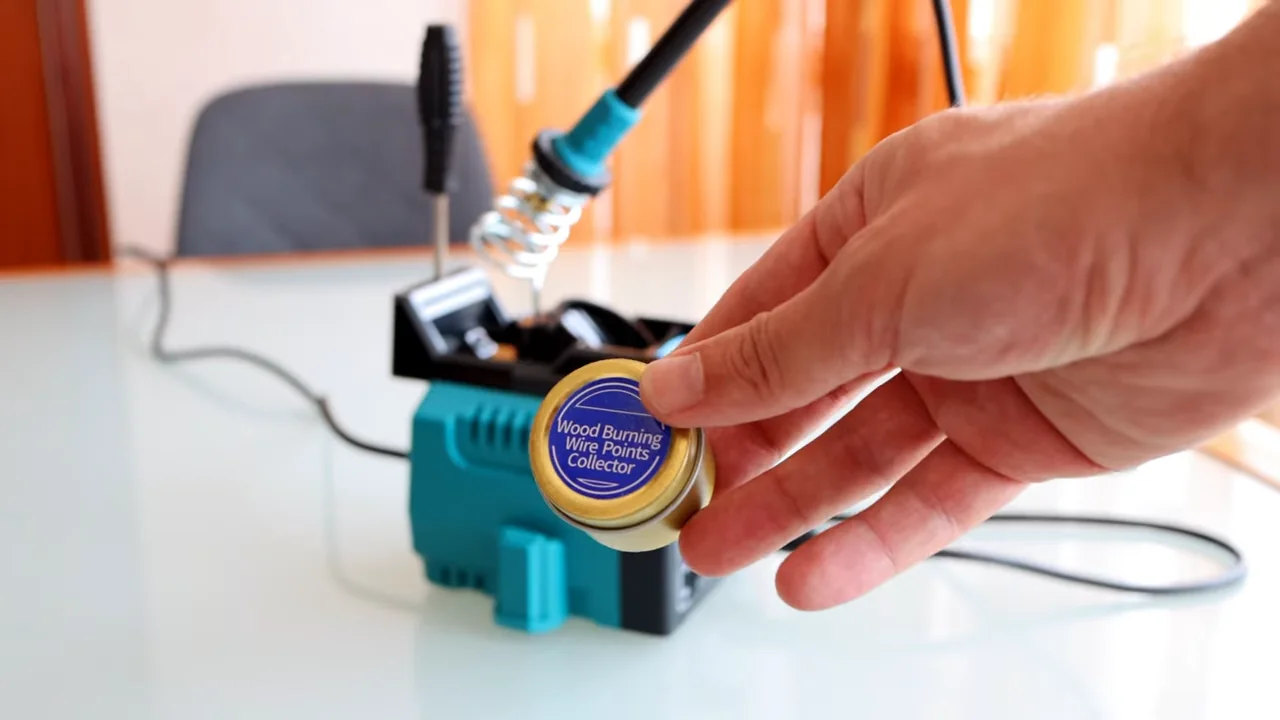
Use the pen’s proper stand while it cools. A cup of rice, loose sand or a cloth wrap is not a substitute for that holder. Colwood recommends protective caps and upright storage for its pens when they are not in use.
Make a quick test before the next project
- Check that the cooled tip is seated according to the model’s instructions and that the cord is undamaged.
- Warm the pen in its holder, then try the marks you need on matching scrap.
- Adjust heat and movement gently. Do not press harder to compensate for an unreliable tip.
- If the pen still heats erratically or a connection appears damaged, switch off and consult the manufacturer.
For choosing the right shape, see our tips and nibs guide. If the tip is clean but your marks still look uneven, work through the pyrography troubleshooting guide before buying more equipment.